Searching for Documents
Our Sanity Content Lake contains thousands of documents and sometimes you need to find certain documents based on very specific criteria.
Primary Search
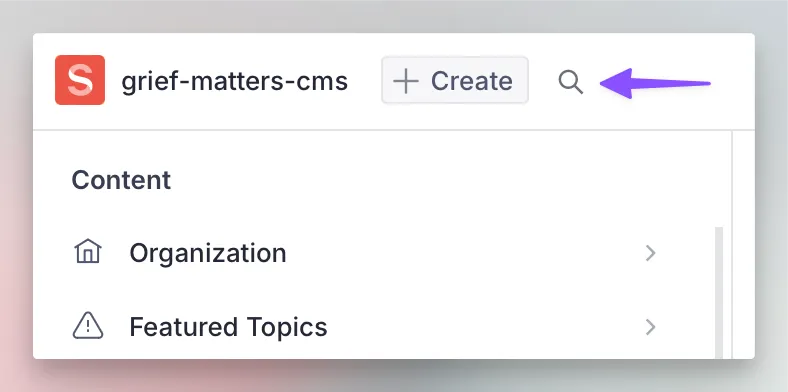
Primary search can be accessed via the search icon in the top left of the interface. You can also get to it using the keyboard shortcut Ctrl + K (Windows) or Cmd + K (Mac).
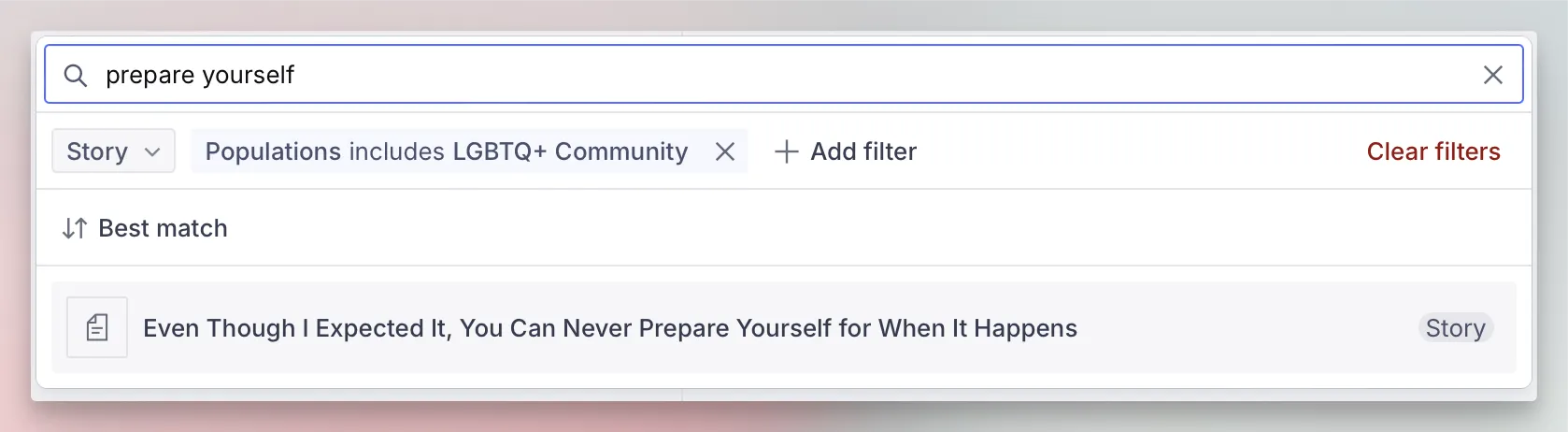
The primary search allows both a search term as well as building advanced filters to really home in on what you’re looking for. In the example below you can see we’re using a search term (that will search across all document fields) as well as filtering by the document type “Story” and a “Population”. Combined together this helps us find a specific document that may otherwise be difficult to locate.
You can also search the current document list using the search bar located at its top, however this only allows simple text search (but will still search all fields of a document).